


Simple Payments Platform
Earn Qantas Points
American Express, Visa and Mastercard
Flexible plan options
Introducing Live Bill Pay
Introducing Live Bill Pay, a new bill payment rewards platform from Live Payments, that lets your business earn Qantas Points when paying business bills. That means your business can now get rewarded every time you pay suppliers, pay your BAS or pay everyday business expenses. You can earn up to 1 Qantas Point per $1 paid* on eligible business payments. All while managing your business payments in one simple platform. Instead of just paying your bills, start earning from them.
Enter your bill details or choose from saved payees.
Pick from your saved cards for fast checkout.
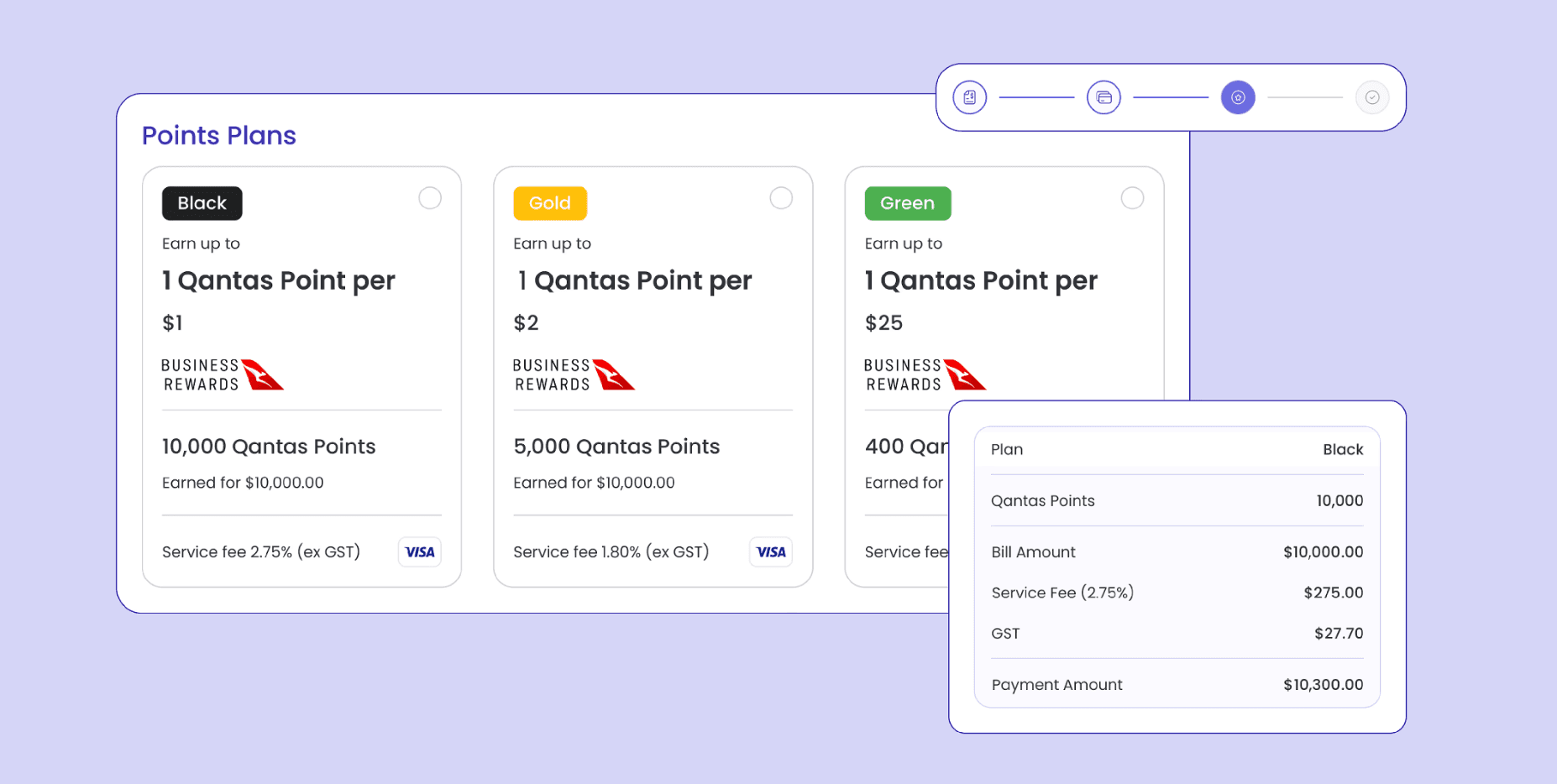
Choose the Qantas Points plan that suits your business.
Black
Earn
1 Qantas Point per
$1*
10,000 Qantas Points
Earned for $10,000.00
Service Fee
Visa / Mastercard
2.75% (ex gst)
AMEX
3.45% (ex gst)
Gold
Earn
1 Qantas Point per
$2*
5,000 Qantas Points
Earned for $10,000.00
Service Fee
Visa / Mastercard
1.80% (ex gst)
AMEX
2.85% (ex gst)
Green
Earn
1 Qantas Point per
$25*
400 Qantas Points
Earned for $10,000.00
Service Fee
Visa / Mastercard
1.05% (ex gst)
AMEX
1.95% (ex gst)
Manage your bills in one place
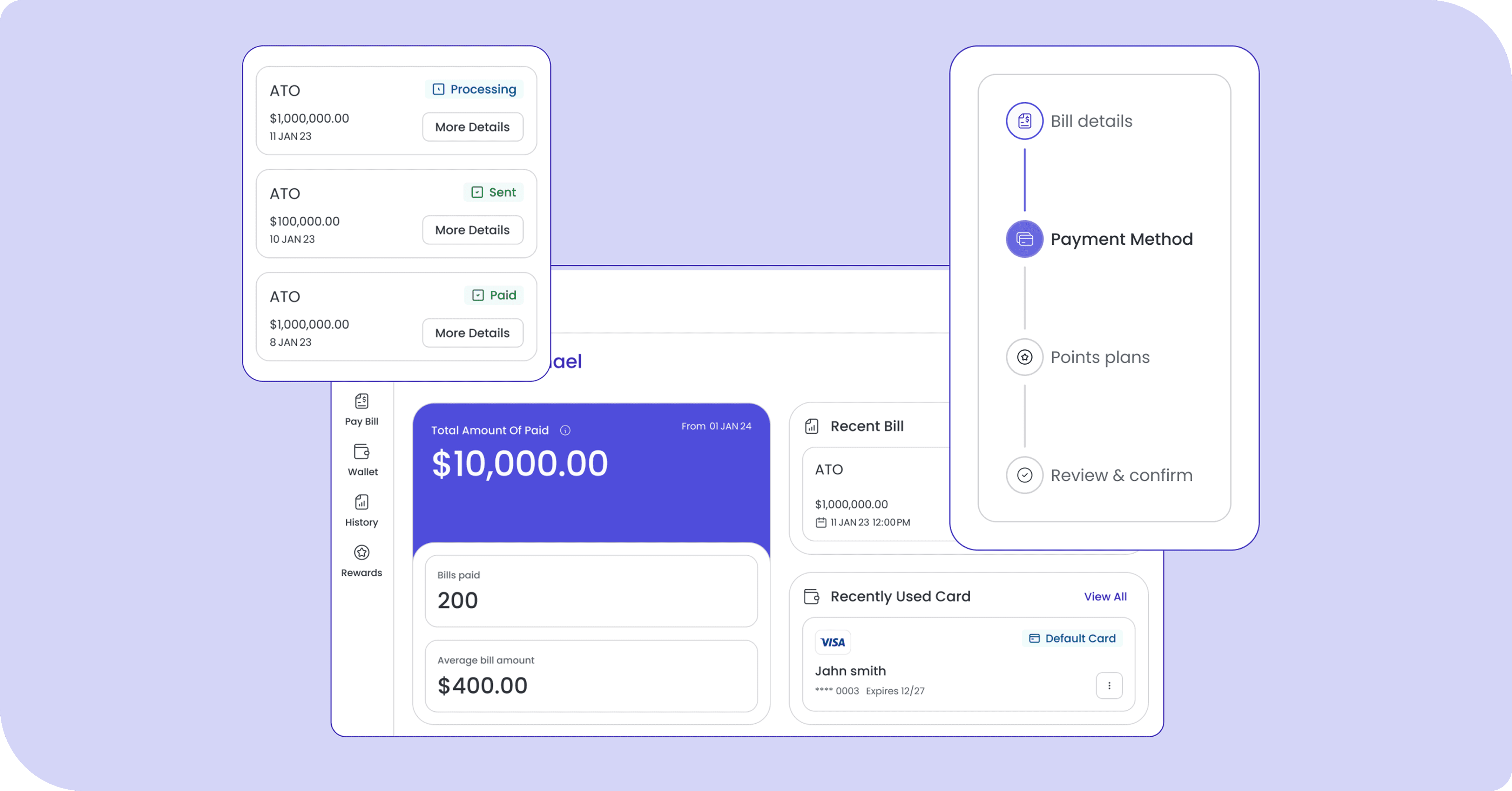
View, pay, and track all your business bills through a single, easy-to-use dashboard.
Flexible Payment Options
Use the card or method that suits your business: Visa, Mastercard and American Express.
Simple, Secure, and Seamless
Our streamlined experience means fewer clicks, faster payments, and less admin.

Earn Qantas Points on your business bills*
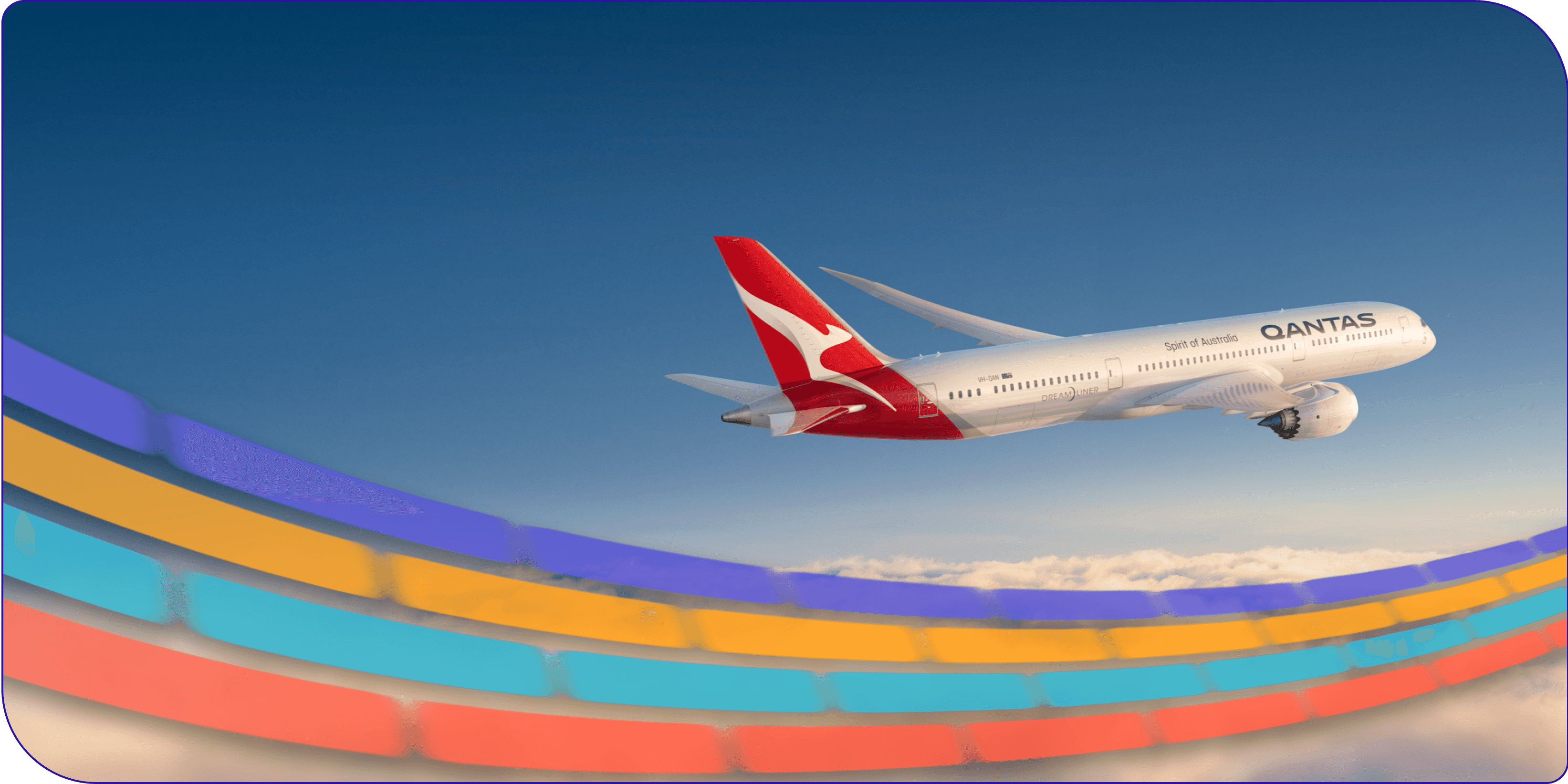
Earn Qantas Points on your business bills when you pay through Live Bill Pay.
Tailored to your business
Select flexible loyalty plans to maximise the Qantas Points you earn on every dollar.
Stack Your Rewards
Combine your credit card rewards with Qantas Points for even more value on every payment. Service fees apply.
FAQ
What is Live Bill Pay?
How do I access Live Bill Pay?
What do I need to start using Live Bill Pay?
Can I use any card?
Who can I pay using Live Bill Pay?
When will I receive my Qantas Points?
How long does a payment take to process?
Will I still earn my credit card points and benefits?
What fees apply to pay my bill?
I accidentally typed in the wrong details for a payment. What happens now?
Is there a minimum payment amount?
What if I need help?
How secure is the platform?
How do I earn Qantas Points?
Why is additional information being requested on my payment?
How do I reset my password
What happens if I don't have a Qantas Business Rewards (QBR) number - will I still get my points?
Will I receive an invoice for the transaction?
I am a current Live Payments customer and I have the gold plan - do I have to pick the same plan type when using Live Bill Pay or can I choose any?
How do I pay a business bill using BSB & Account Number?
What does “payee” mean? Is that the business/entity name?
The payee name on my invoice looks different to what I have on my bill. Did the money go to the correct person?
Can I make a payment to anyone with a BSB and ACC, or are there restrictions?
*A business must be a Qantas Business Rewards Member to earn Qantas Points for business. A one-off join fee of $89.50 including GST normally applies, however this will be waived for Live Payments customers that join via here. Membership and Qantas Points are subject to the Qantas Business Rewards Terms and Conditions. Qantas Points for business are offered under the Live Payments Bill Payments Reward Terms and Conditions. Any claims in relation to Qantas Points under this offer must be made directly to Live Payments by calling 1300 780 788 or emailing help@livepayments.com. Qantas Points will be credited to the Members’ Business Rewards account within 30 days after the end of each calendar month for an Eligible Product. Qantas Points cannot be retrospectively claimed for existing customers and can only be earned once Live Payments has been provided with the merchant’s Qantas Business Reward number.